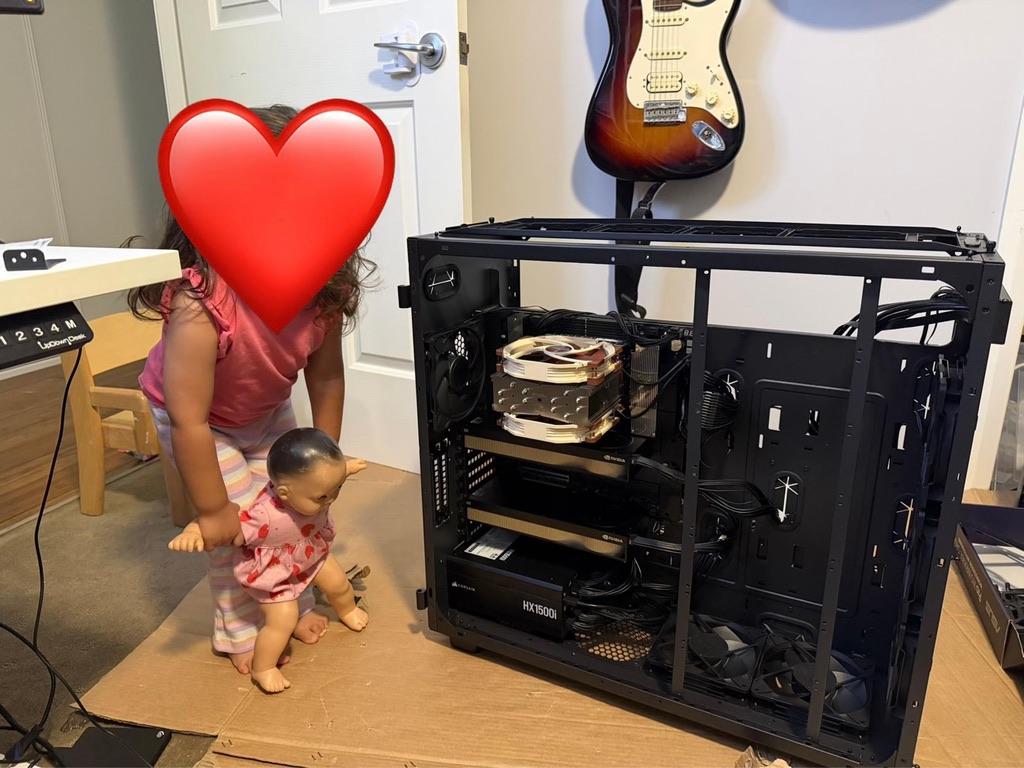
ML Workstation Build
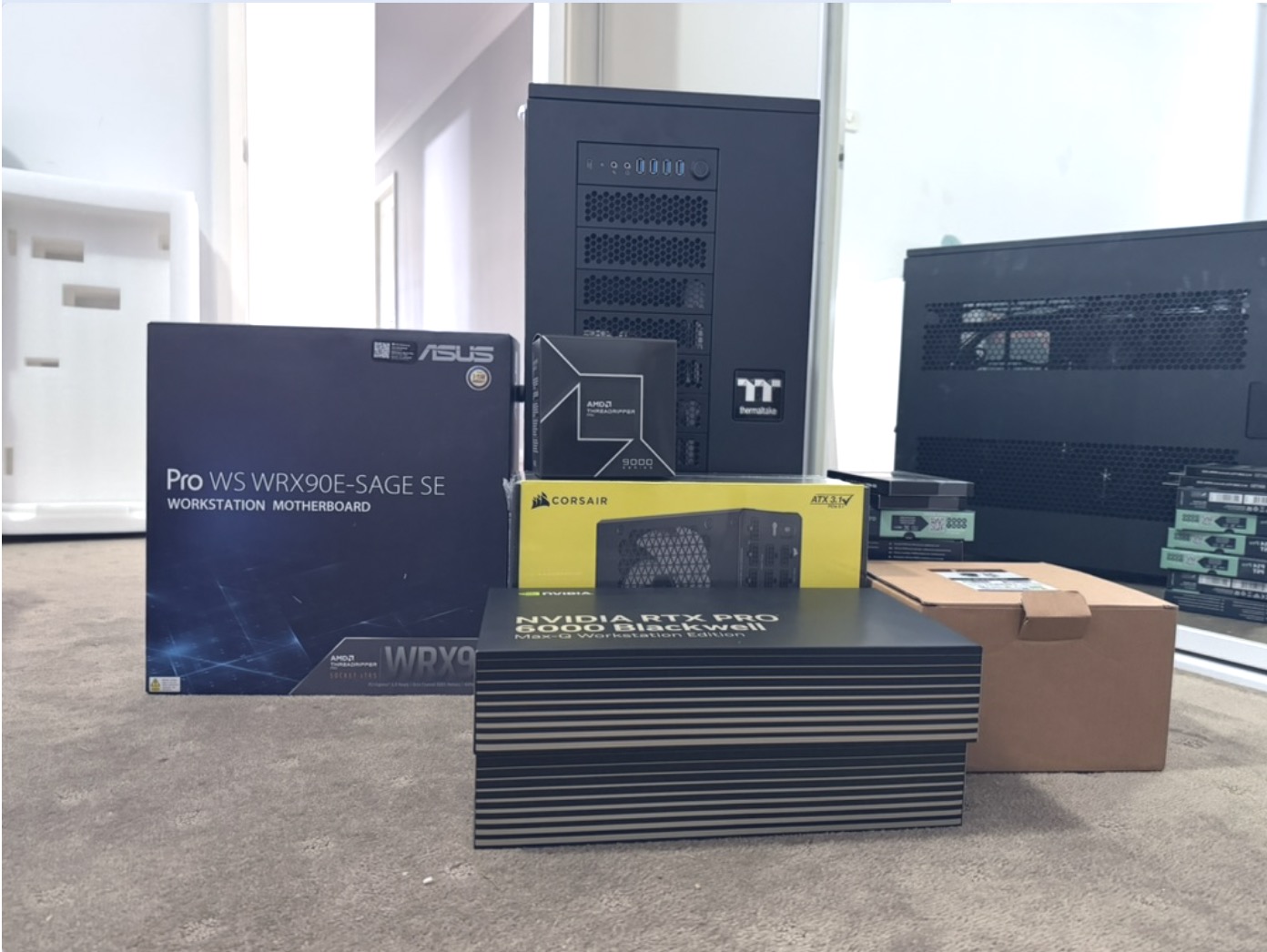
Finally decided to get some GPUs running locally. It's a part of stack I want to learn more about and having a machine that is always running, one I don't have to reserve in the cloud just made sense. A machine that I can control end to end. Decided on the following specs:
-
CPU: AMD Ryzen Threadripper PRO 9975WX
-
Motherboard: ASUS Pro WS WRX90E-SAGE SE
-
RAM: 2×128GB Kingston Server Premier DDR5 ECC RDIMM, KSM64R52BD4 family
-
GPU: NVIDIA RTX PRO 6000 Blackwell Max-Q Workstation Edition
-
CPU cooler: Noctua NH-U14S TR5-SP6
-
PSU: Corsair HX1500i
-
Case: Thermaltake AX700 TG
-
Boot SSD: Lexar NM790 2TB NVMe
-
Data SSD: Lexar NM790 4TB NVMe
-
Case fans: 6× ARCTIC P14 Pro PST 140mm
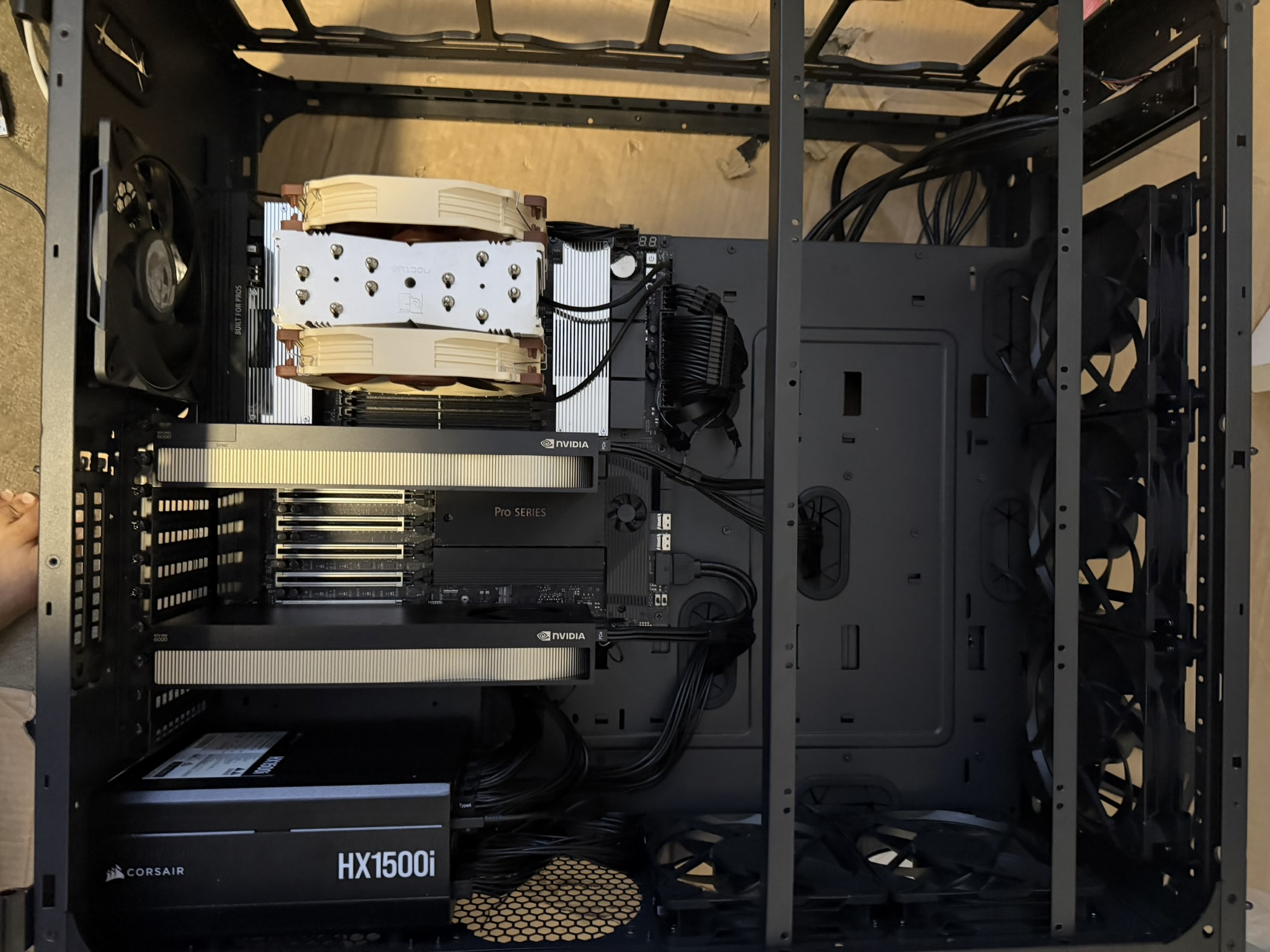
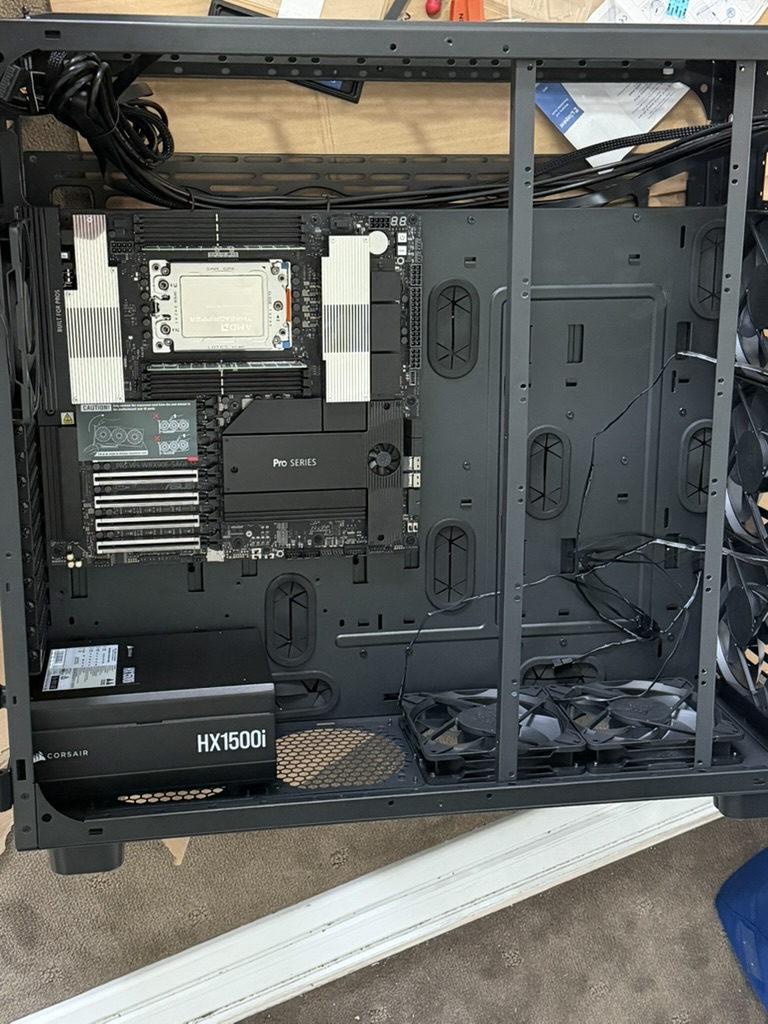 The goal is to eventually build it up to 1TB RAM, 4 x RTX Pro 6000 but the family was not too keen to switch to a Ramen only diet just yet so will build this one out slowly over time.
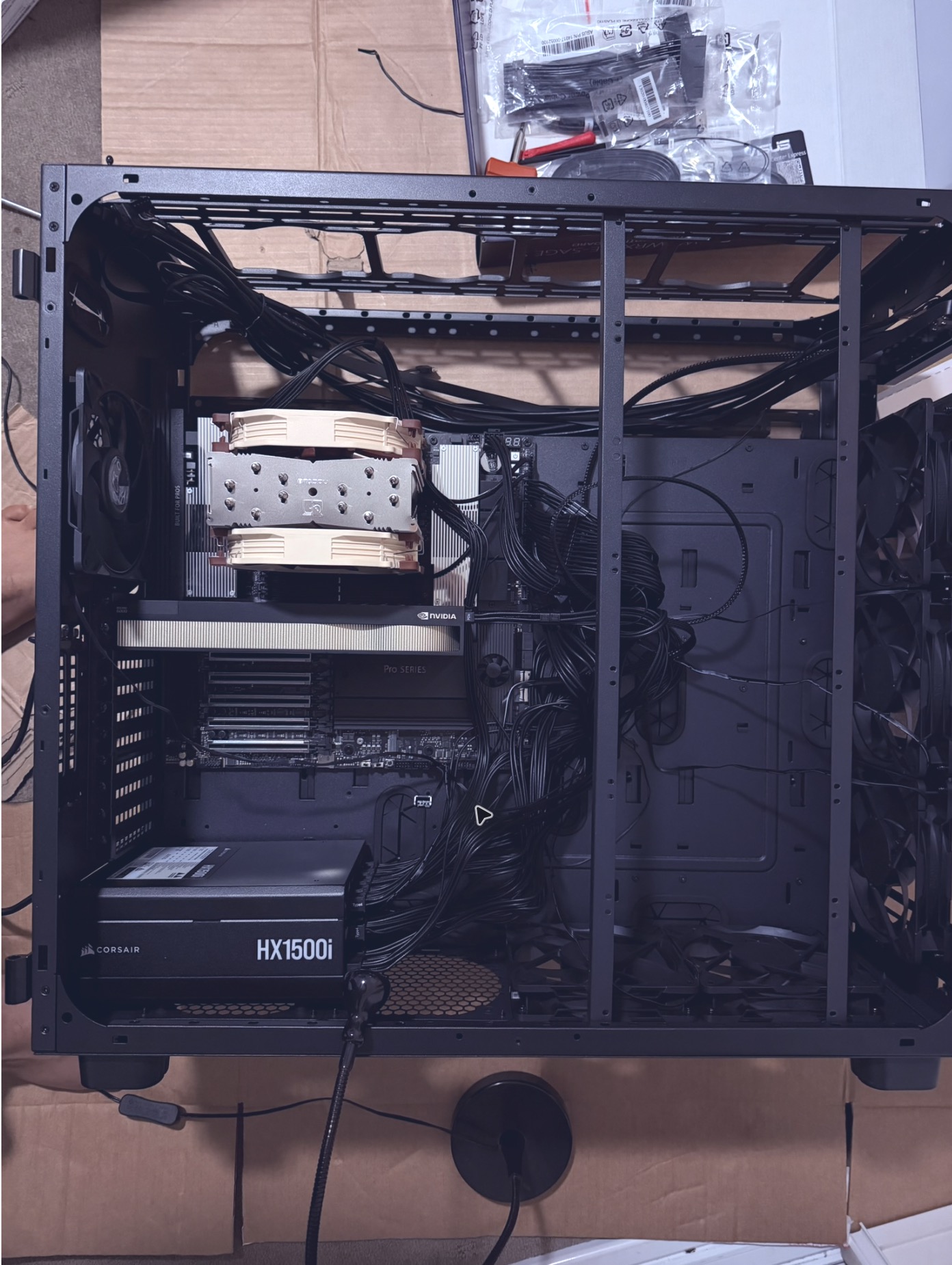
The hardware side of the build was very straightforward (almost destroying the CPU aside). Just parsing through lot of manuals (AI assisted of course) and dealing with a lot of screws. Things that made the build a breeze:
- PH2 screwdriver
- A precision tool set with PH0, PH00, tweezers (etc). Any will do
- Lots of cardboard. I didn't have an anti-static band and was building on carpet. A tip on this. Add the PSU to the case first, have it turned off but plugged in. You can then touch it at regular intervals to ground yourself.
- Getting the machine up and running with one GPU plugged in helped me debug some issues. I left the second GPU and cable management alone till I had the machine up and running.
Decided to have Ubuntu 24.04 headless running on it. Some issues I ran into post first boot:
- The bundled in
nouveaukernel module is incompatible with RTX Pro 6000 Blackwell Max-Q. It runs into a NULL pointer dereference error when doing GSP intialisation.
BUG: kernel NULL pointer dereference
RIP: bit_entry+0x15/0x110 [nouveau]
nouveau 0000:f1:00.0: vgaarb: deactivate vga console
Console: switching to colour dummy device 80x25
The solution was blacklisting the driver and rebuilding initramfs so the driver is not used during the next boot. Once booted successfully we installed the official Nvidia drivers which worked like a charm
- I really like the BMC management port that the motherboard has which allowed me to debug the above issue without plugging in a seperate monitor/keyboard.
- Once we had 1 GPU up and running the next issue was not setting the second GPU correctly. This showed up as the second GPU just negotiating 4x PCIe lanes instead of the 16x for the first GPU indicating an unreliable contact with the PCIe slot.
❯ nvidia-smi --query-gpu=index,name,pci.bus_id,pcie.link.width.current,pcie.link.width.max,pcie.link.gen.current,pcie.link.gen.max --format=csv
index, name, pci.bus_id, pcie.link.width.current, pcie.link.width.max, pcie.link.gen.current, pcie.link.gen.max

0, NVIDIA RTX PRO 6000 Blackwell Max-Q Workstation Edition, 00000000:21:00.0, 16, 16, 5, 5
1, NVIDIA RTX PRO 6000 Blackwell Max-Q Workstation Edition, 00000000:F1:00.0, 16, 4, 5, 5
With all that out of the way the machine is alive and well. It's humming away and I have been restricted to a diet of Ramen for the next few months.